How to post your Outstanding Tiny Desk AI video on TikTok, Reels and Shorts
Download, frame and post your Outstanding Tiny Desk AI video on TikTok: keeping the “Outstanding” sound, captions that land the joke, hashtags, and the AI label.
By Tiny Desk Outstanding AI · Updated · 3 min read
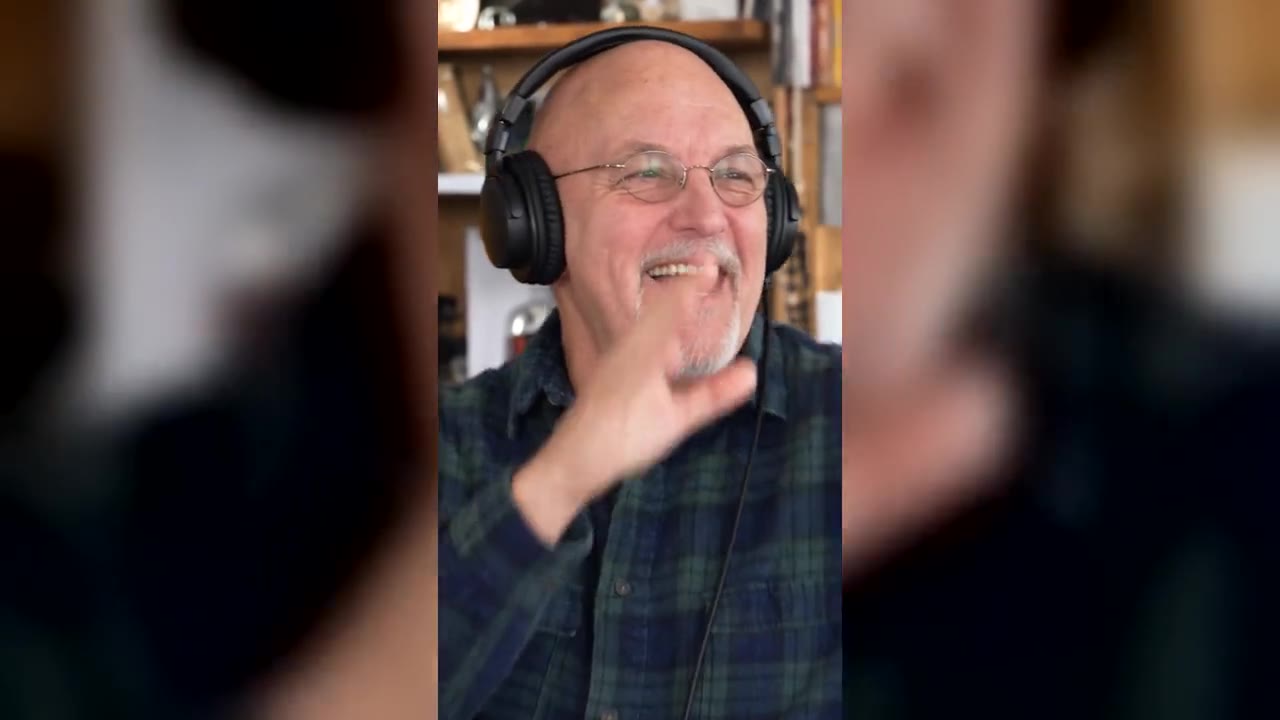
The Outstanding Tiny Desk meme lives on TikTok: the first viral version was a TikTok post, and “outstanding tiny desk meme tiktok” and “outstanding tiny desk ai tiktok sound” are both Google suggestions. Here is how to post your Tiny Desk Outstanding AI video so it plays right and lands the joke.
1. Download the MP4
Open “My videos” in the studio, open your video and press Download. On iPhone, save it to Photos from the share sheet. The file has no watermark.
2. Upload and frame it
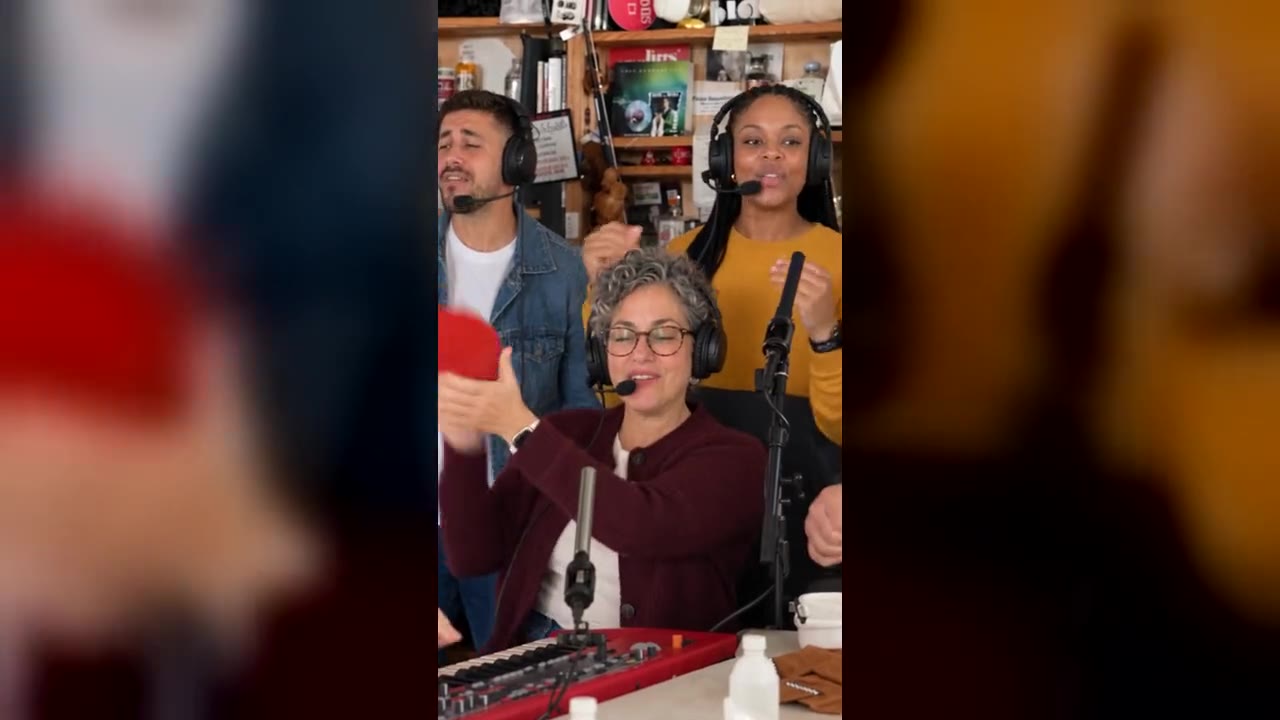
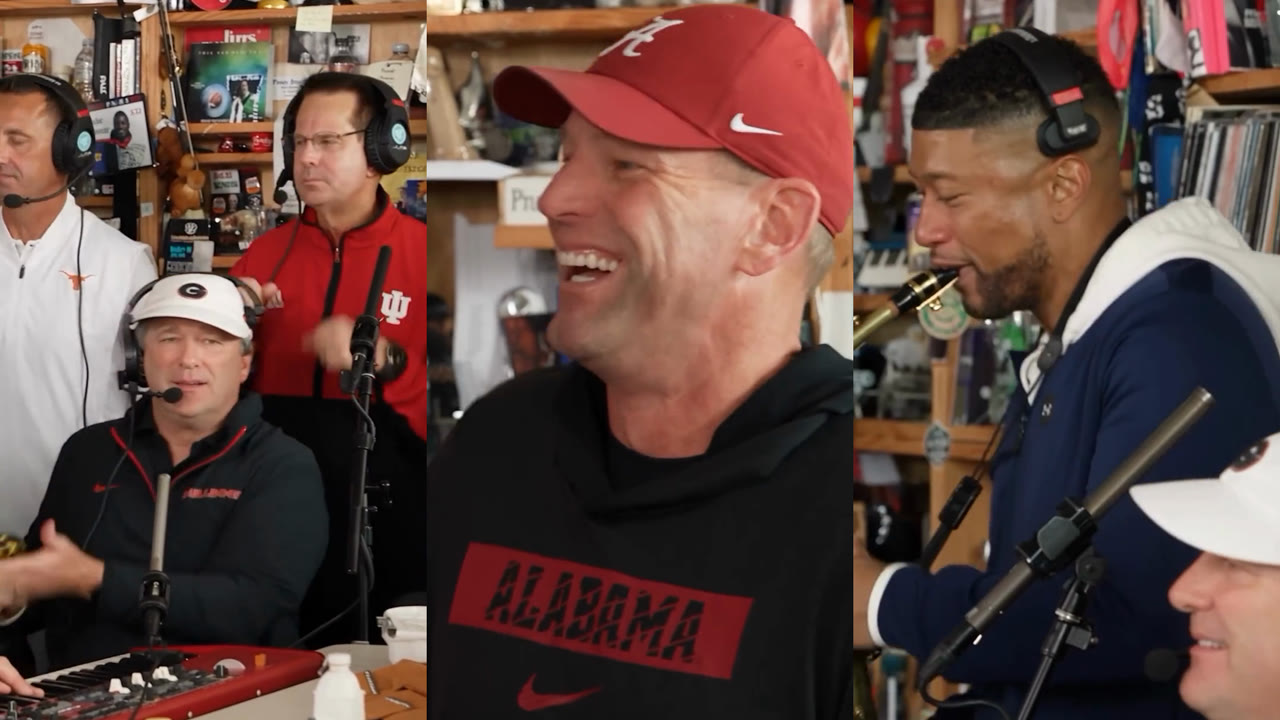
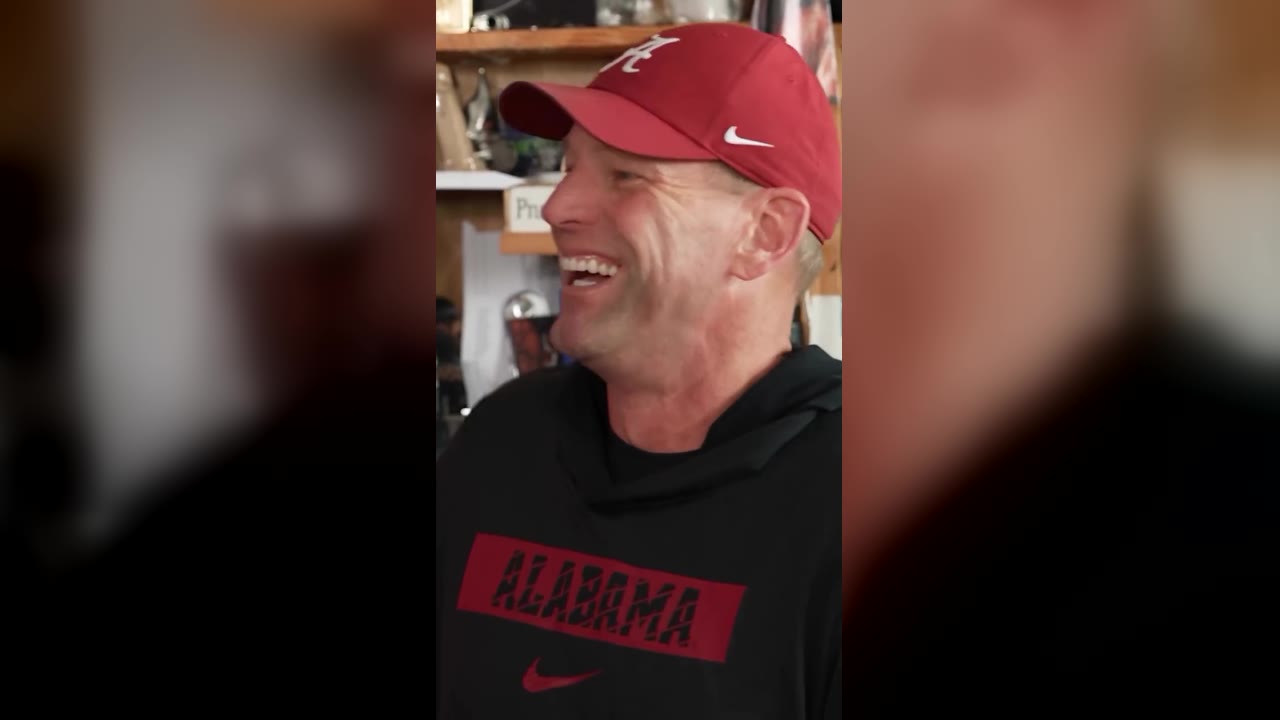
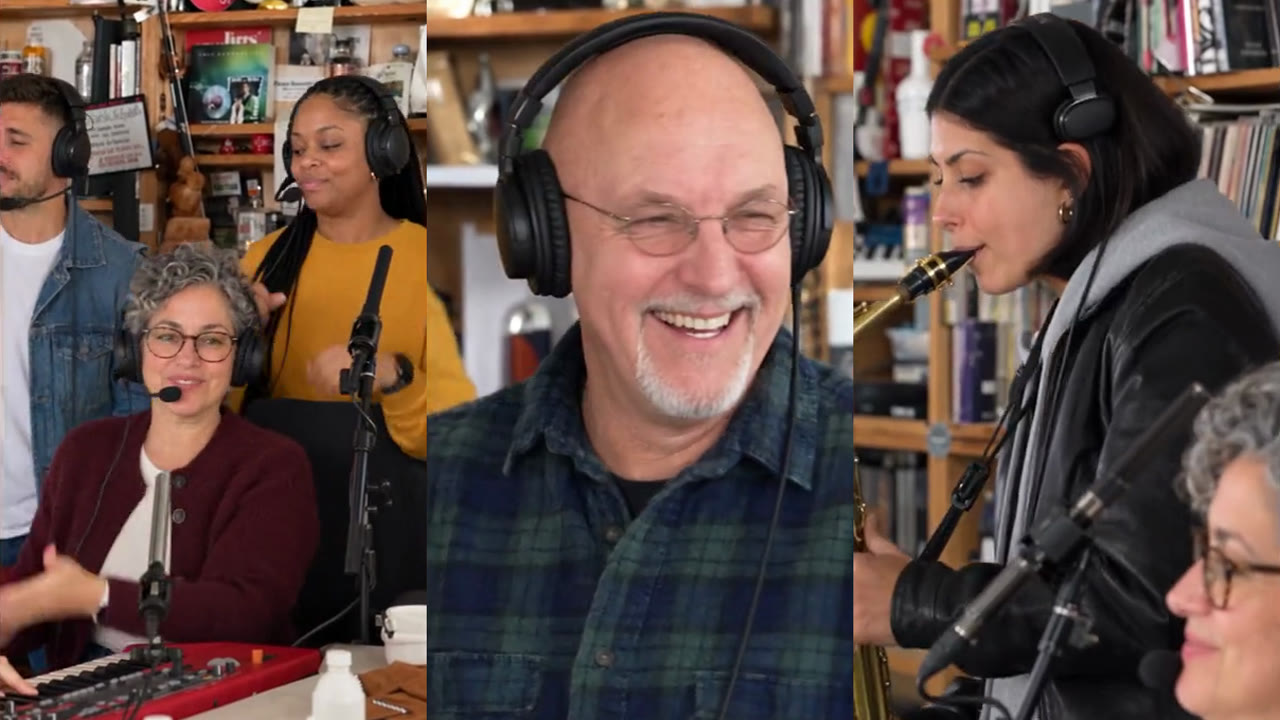
The MP4 is 16:9. The band is in the middle and the sides are a blurred fill, just like the clip it is made from. In TikTok’s editor you can post it as it is, or zoom in until the band fills the vertical screen.
3. Keep the sound
Your video already has the “Outstanding” audio in time with the band, so keep the original sound. If TikTok mutes it, or you want your post to show up under the trend’s sound page, add the Outstanding Tiny Desk sound from TikTok’s own library instead and line it up with the first shot. Tutorials for the trend give the same advice: add the trending audio when you post.
4. Write the caption like the original
The first viral post was titled “College Football’s Week 8 All-Loss Tiny Desk Concert”, and titling yours the same way is half the joke. Some ideas:
- “Our Group Chat’s All-Loss Tiny Desk Concert”
- “Fantasy League Week 8 All-Loss Tiny Desk”
- “The Office’s Monday Morning Tiny Desk Concert”
Hashtags seen on popular posts of the clip include #outstanding, #charliewilson, #tinydeskconcert and #nprtinydeskconcert.
5. Label it as AI
Turn on TikTok’s AI-generated content label in the post settings. Your video is AI-generated, and labeling it keeps it in line with TikTok’s rules. Only post videos of people who agreed to be in them.
Reels and Shorts
The same steps work on Instagram Reels and YouTube Shorts: upload the MP4, keep the original audio or add the sound from the app’s library, and use the AI label where the app offers one.