The Outstanding Tiny Desk AI template, seat by seat: who goes where
The five seats of the Outstanding Tiny Desk AI template: how long each is on screen, what they do, who in your group should get which one, and the photo rules.
By Tiny Desk Outstanding AI · Updated · 3 min read
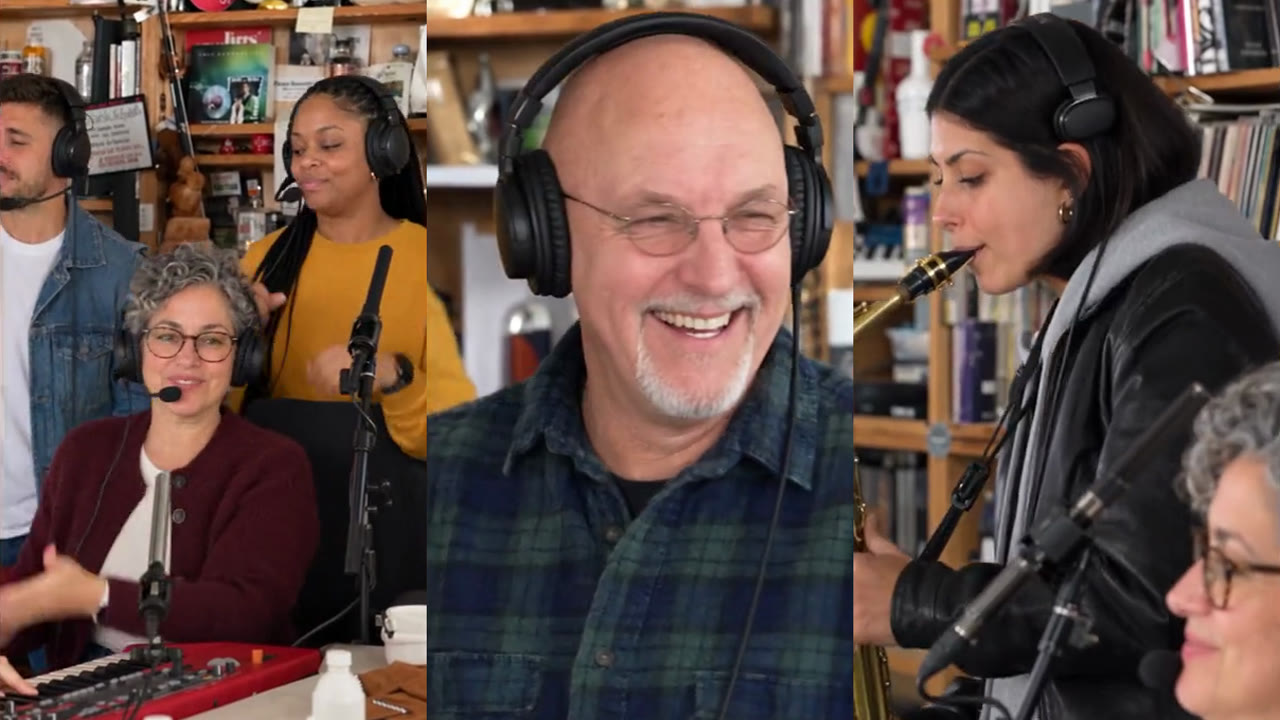
“Outstanding tiny desk ai template”, “tiny desk ai template” and “charlie wilson tiny desk template” all show up in Google’s suggestions. The template is simple: one clip, five seats. This guide goes through each seat, how long it is on screen, and who in your group should get it.
The five seats
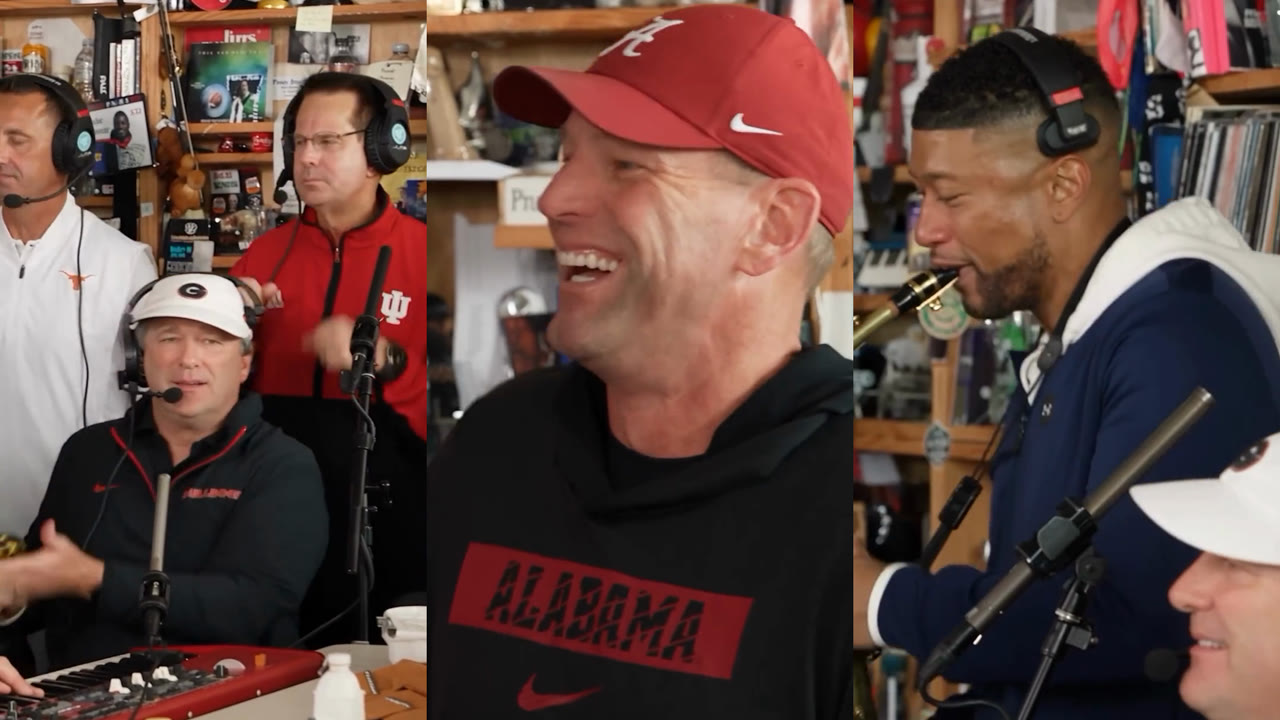
| Seat | On screen | What they do |
|---|---|---|
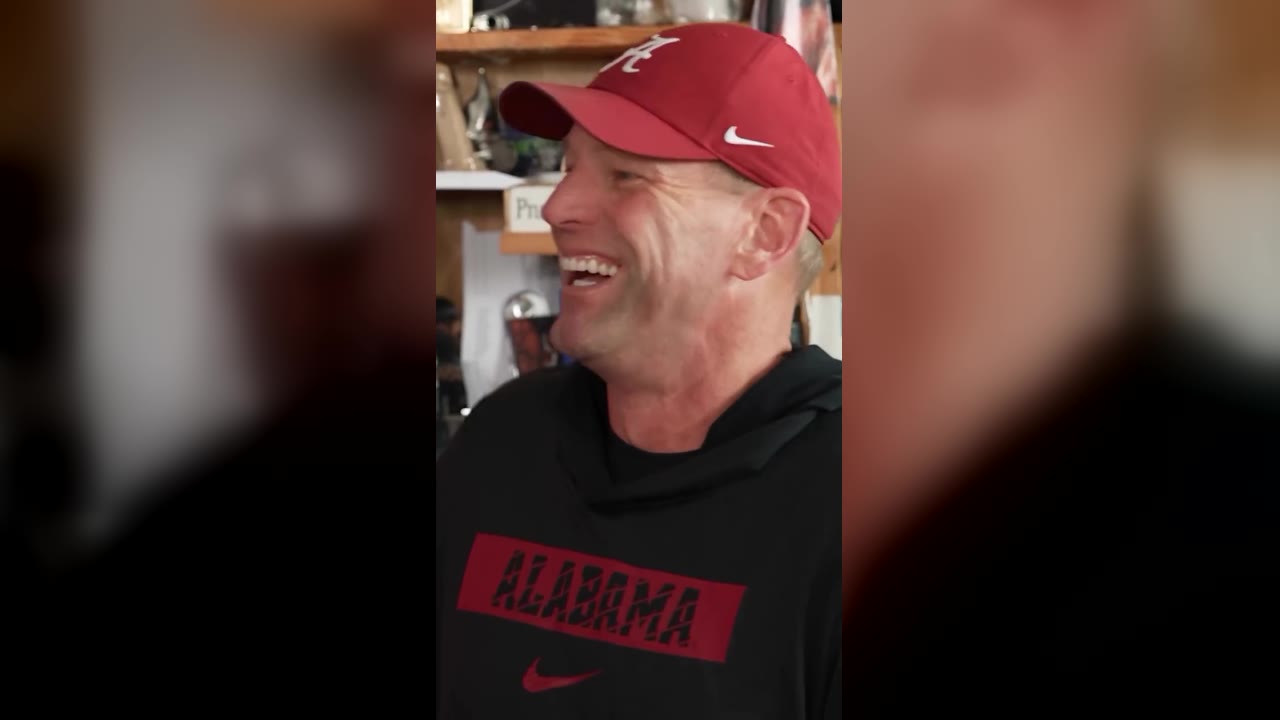
| The laugh & wave | 5–11 s (the whole close-up) | Fills the frame, grins, laughs and waves |
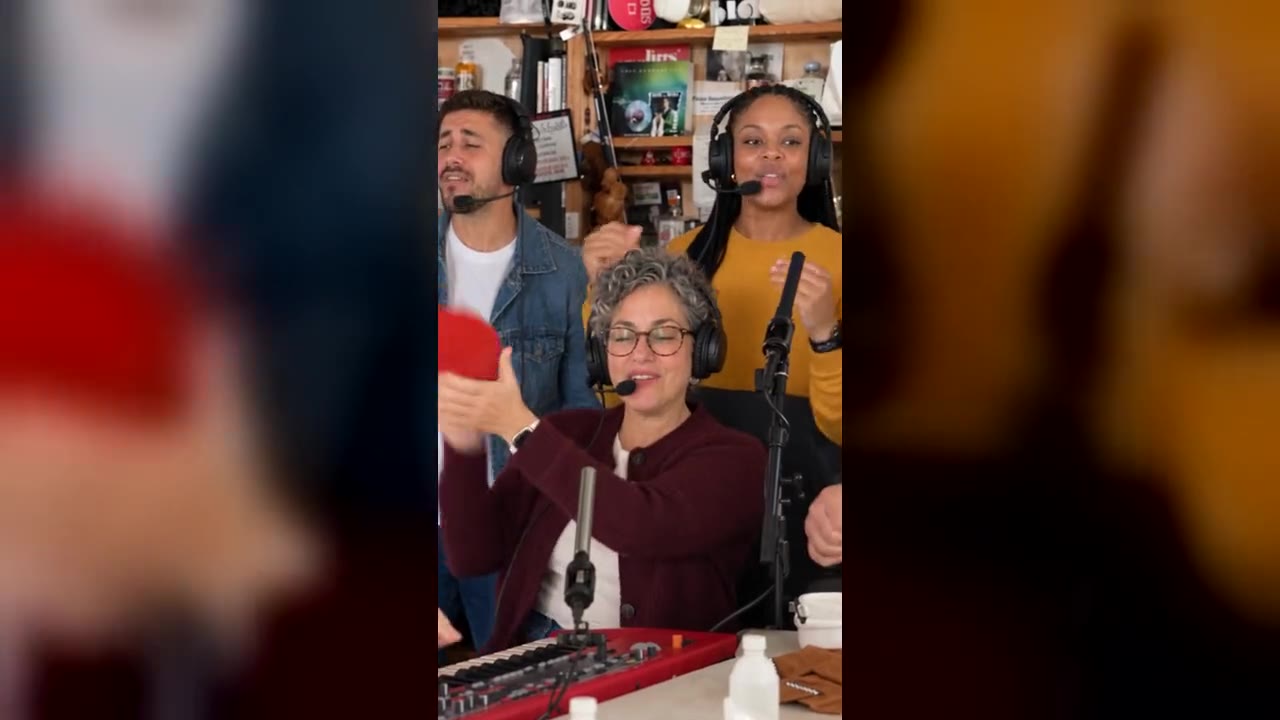
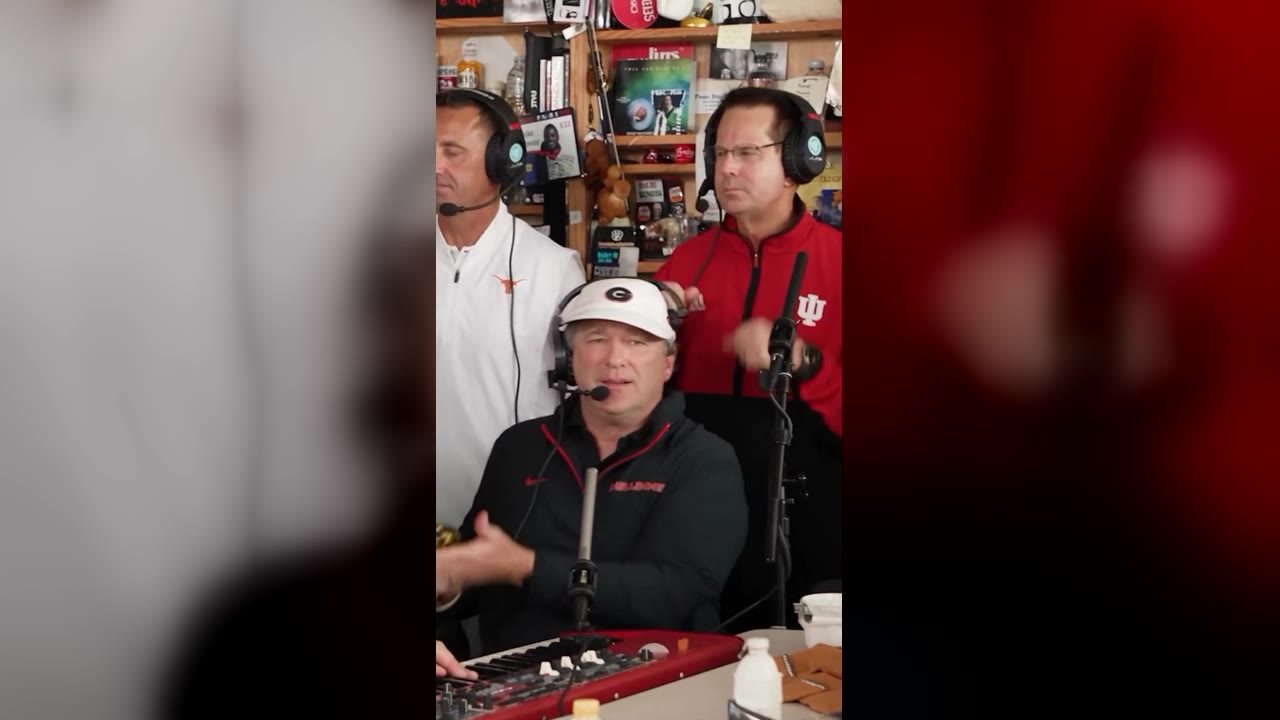
| Lead at the keys | 0–5 s, then in the last shot’s foreground | Sings at the red keyboard, front and centre |
| The sax solo | 11–13 s | Plays the gold alto sax in profile |
| Backing vocal, left | 0–5 s | Stands behind the desk, singing |
| Backing vocal, right | 0–5 s | Stands behind the desk, singing and dancing |
The close-up is on screen for six of the thirteen seconds, so it is the seat everyone remembers. In the viral coaches version it went to Alabama’s Kalen DeBoer, whom the creator cast as “the one singing full-volume happy”.
Who to put where
- The close-up: the person the video is about. The birthday person, the one who lost the bet, or you.
- Lead at the keys: your second main character. They get the whole first shot and a cameo at the end.
- The sax solo: the friend who loves a big entrance. Short, but it is the punchline.
- Backing vocals: the rest of the crew. They are smaller in the frame, so clear, well-lit photos matter most here.
Photo rules for every seat
- One person per photo, facing the camera, head and shoulders in frame.
- Even light, no sunglasses, no side angles, no heavy filters.
- Only adults who agreed to appear. No celebrities, public figures or minors.
- Each person keeps their own outfit from their photo, and gets the performer’s headphones.
AI template vs. CapCut template
TikTok also lists “Tiny Desk Concert” CapCut templates. Those are edits laid over the clip. An AI template like ours recreates the clip itself with your faces on the performers, shot for shot, with the camera, the cuts and the song kept as they are.
Use the template
In the studio, your first photo fills the close-up. Open “Bring up to four friends” and each upload box shows the performer it replaces: lead at the keys, the sax solo, backing vocal, left, backing vocal, right. Fill as many as you like; the price is the same.