How to make the Outstanding Tiny Desk AI video (with up to four friends)
A step-by-step tiny desk concert outstanding AI tutorial: which photo goes in which seat, what the three shots are, photo tips, and how the viral version was made.
By Tiny Desk Outstanding AI · Updated · 5 min read
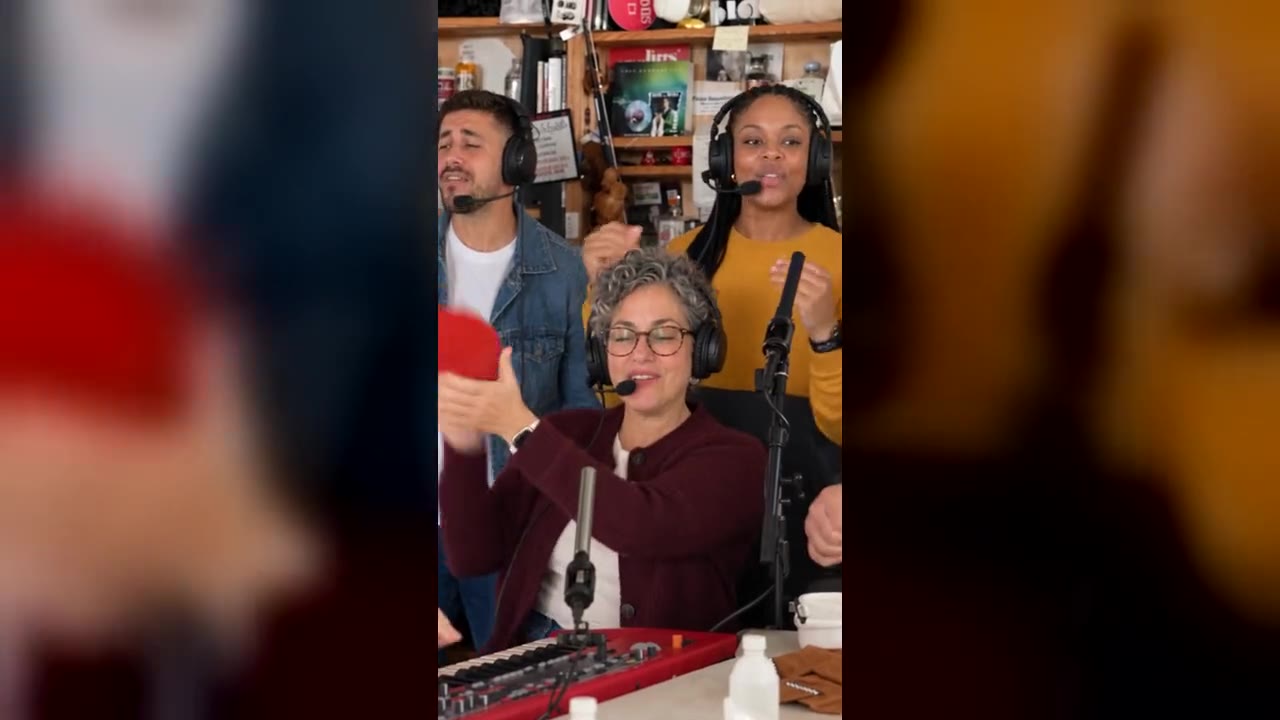
“Tiny desk concert outstanding ai tutorial” is one of the most repeated captions on TikTok this week, and “how to make tiny desk ai video” is now a Google suggestion of its own. This guide shows the quickest way to make your own Outstanding Tiny Desk AI video (or Tiny Desk AI video, as many people search it) from photos, which photo goes where, and how to get a clean result on the first try. Comparing tools first? See the best Tiny Desk AI video generators.
What you are making
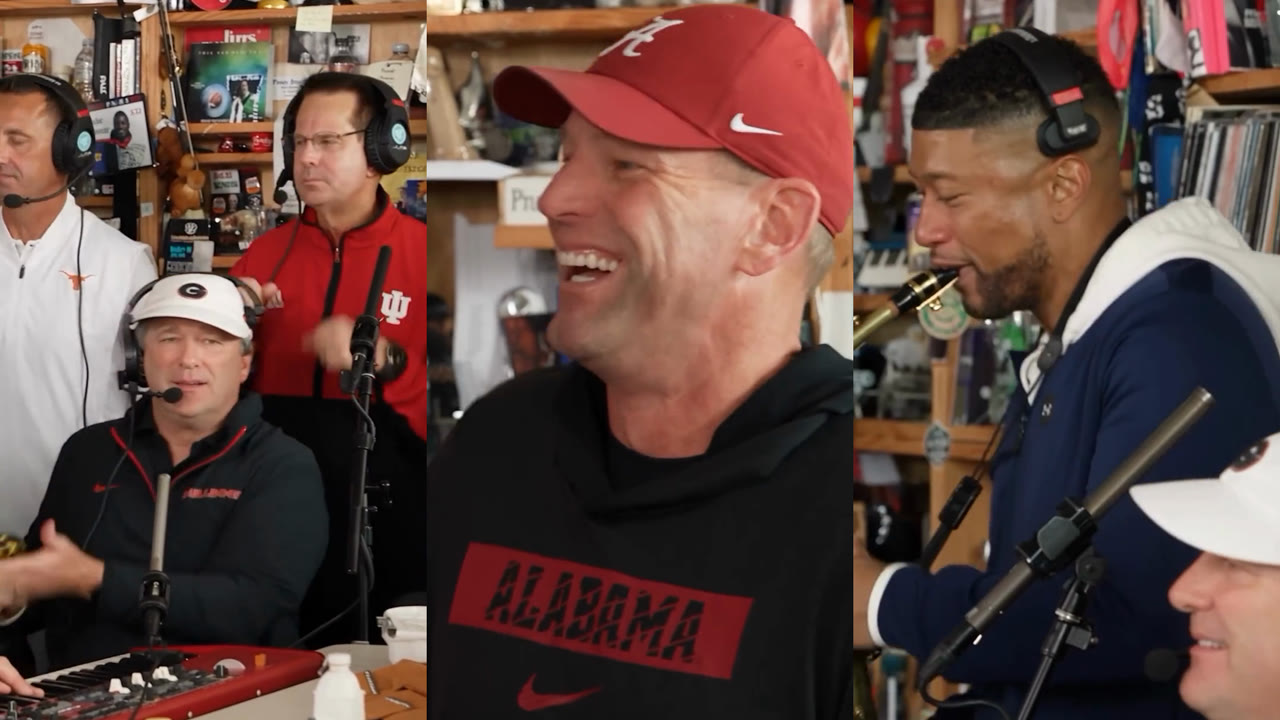
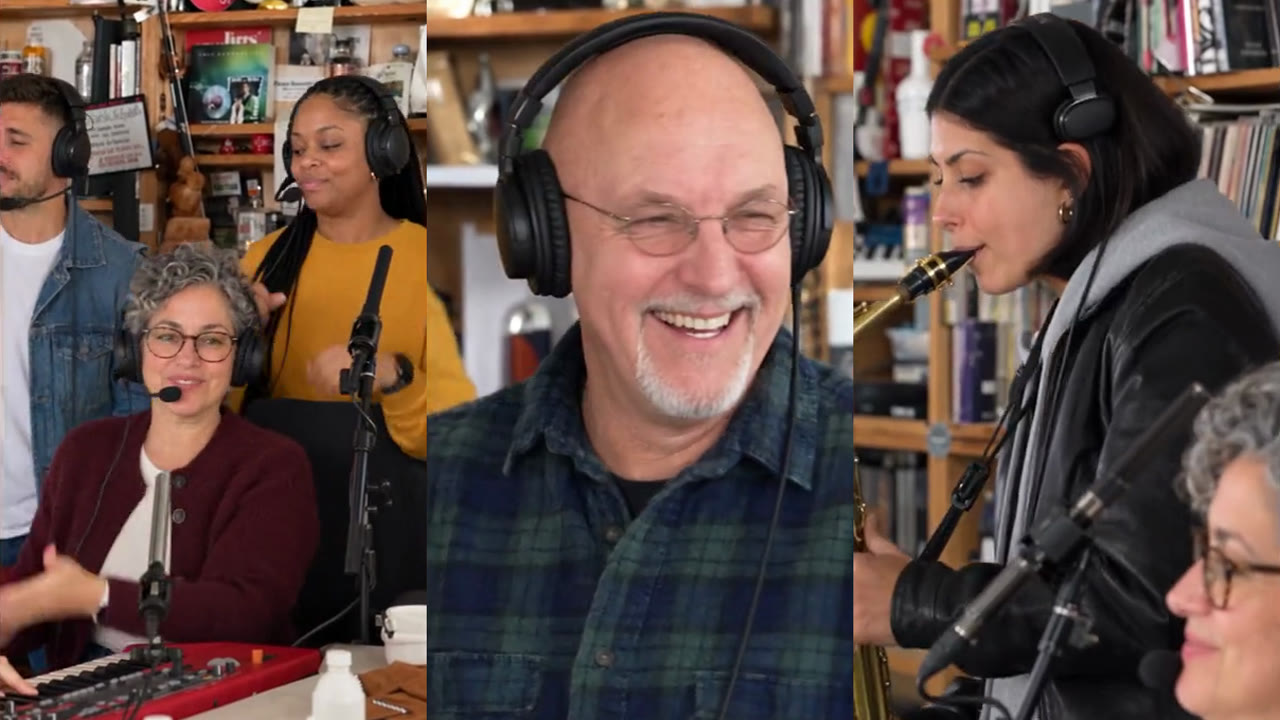
The Outstanding Tiny Desk AI video is the end of “Outstanding” from Charlie Wilson’s 2023 NPR Tiny Desk Concert with new people in the band. The version that went viral, “College Football’s Week 8 All-Loss Tiny Desk Concert”, cast five coaches whose teams had just lost. The clip has three shots:
| Time | Shot | Seats |
|---|---|---|
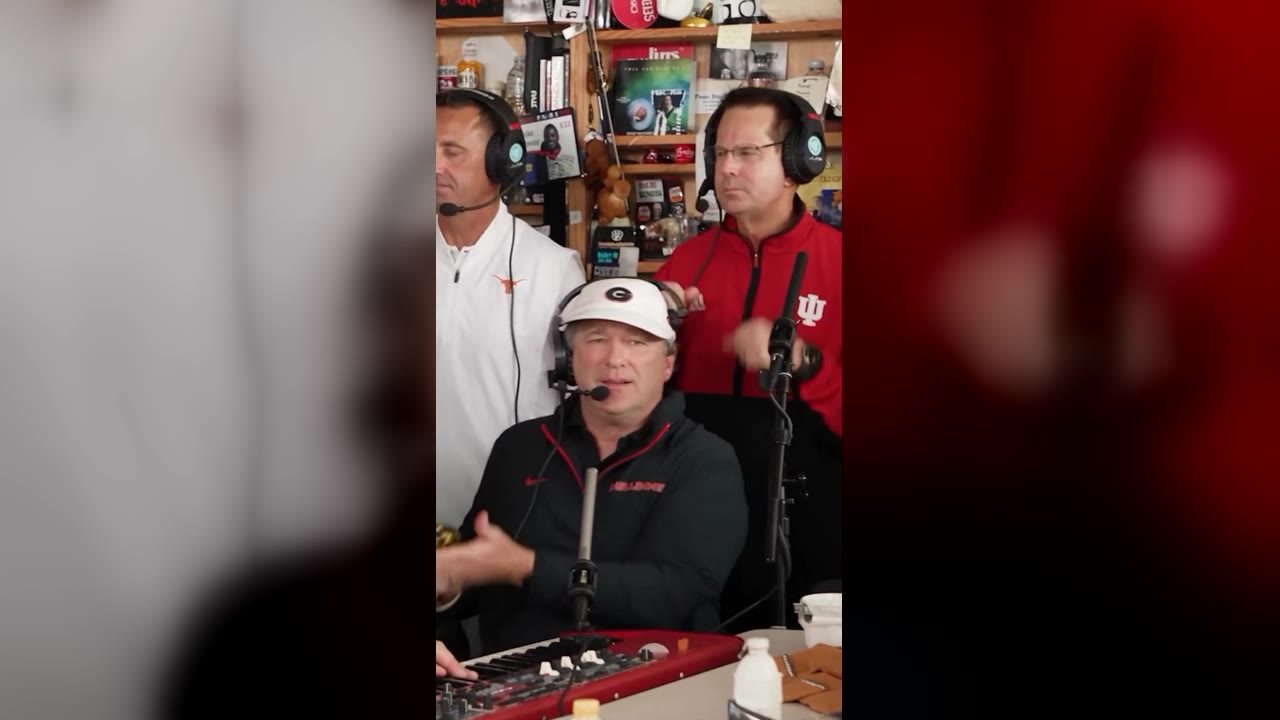
| 0:00 – 0:05 | Three singers in headphones crowd the desk | Lead at the red keyboard, two backing vocals |
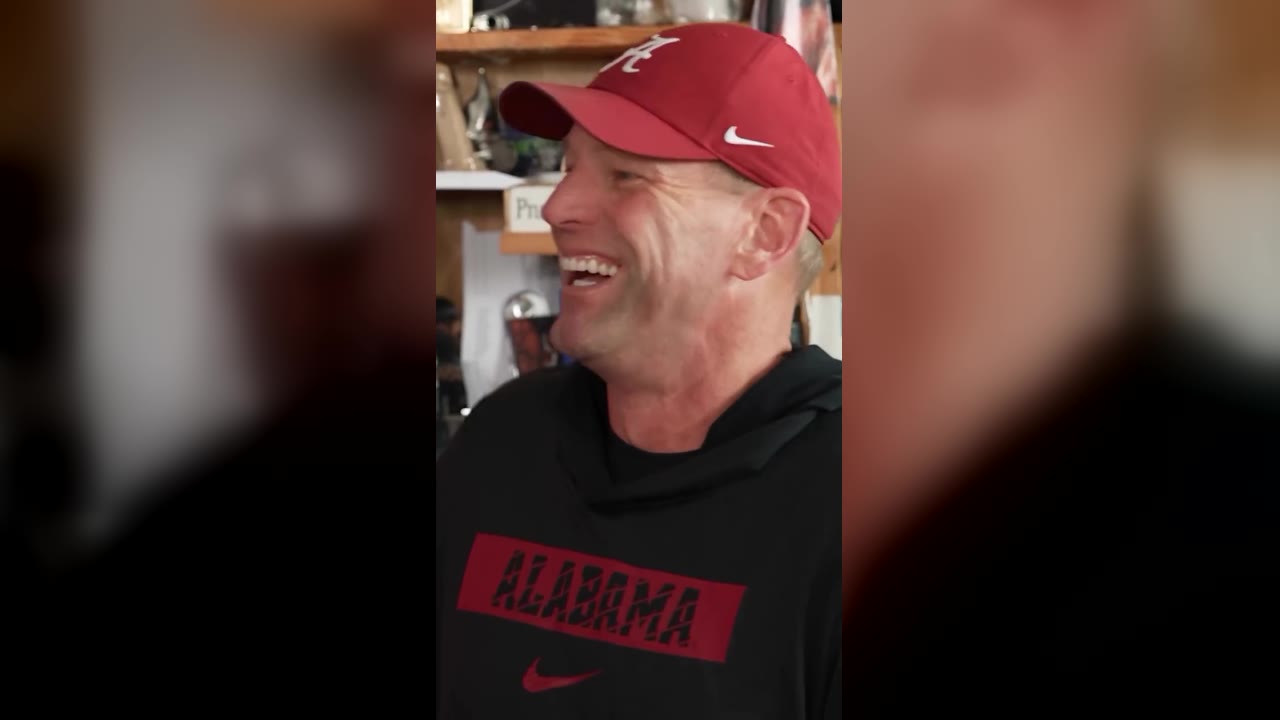
| 0:05 – 0:11 | One face fills the frame, laughing and waving | The close-up |
| 0:11 – 0:13 | Sax solo in profile, the lead smiling in front | The sax player |
How to make it with Tiny Desk Outstanding AI
- Open the studio. Go to the generator and sign in with Google. It runs in the browser on iPhone, Android and desktop.
- Add your photo. It goes into the laughing close-up, the longest shot. Use one front-facing photo of one person, head and shoulders in frame, in even light.
- Bring the band (optional). Open “Bring up to four friends” and fill any of the other seats: the lead at the keys, the sax solo, the backing singer on the left and on the right. Empty seats keep the original performer.
- Pick a quality and press Generate. 100 credits at Standard (480p) or 200 at HD (720p) or 600 at Full HD (1080p), the same for one face or five. There is no prompt to write: the clip and the “Outstanding” audio are already loaded.
- Download. Rendering usually takes a few minutes and you can close the tab. The MP4 waits under “My videos”, with the song.
Photos that work, and photos that don’t
People who have tried the trend with other tools report the same failures: group shots, side angles and sunglasses make the AI pick or draw the wrong face. What works:
- One adult per photo, facing the camera, shoulders up.
- Even light on the face, no heavy beauty filter.
- Each friend in their own photo; a group photo does not fill several seats.
- Only people who agreed to be in it. Celebrities, public figures and minors are not allowed.
More on casting in the Outstanding Tiny Desk AI template, seat by seat.
Making it with other AI video tools
Jake Whipple, who made the viral coaches version, told sportandstate.com he used Higgsfield’s motion-transfer feature: he cut a vertical 30-second piece of the concert, swapped the singers for photos of the coaches, and the whole job took about 30 minutes, at roughly a minute of generation per second of video. Tutorials also point to Dreamina and to CapCut templates. Two tips carry over to any tool:
- Keep the prompt short. Asking for “lip-sync” or “move the mouth” made mouths move between the sung lines.
- Expect retakes. Throw away outputs that skip the wave or the sax, and put the song back on after any edit that drops the audio.
Posting it
Title it like the original so the joke lands, for example “Our Group Chat’s All-Loss Tiny Desk Concert”. The full checklist is in how to post your Outstanding Tiny Desk AI video on TikTok.